Falling in Love with the CLI AI Harness
For all of last year, I wondered why anyone would use the CLI version of Claude Code and similar tools. I asked a colleague about this a couple of times, and still had trouble getting it.
Until I sat down and used the CLI to perform my work. As a knowledge worker, if you haven't used copilot or claude or (favorite tool) in the terminal, you are truly missing out.
🔝 Top 3 reasons I like this experience:
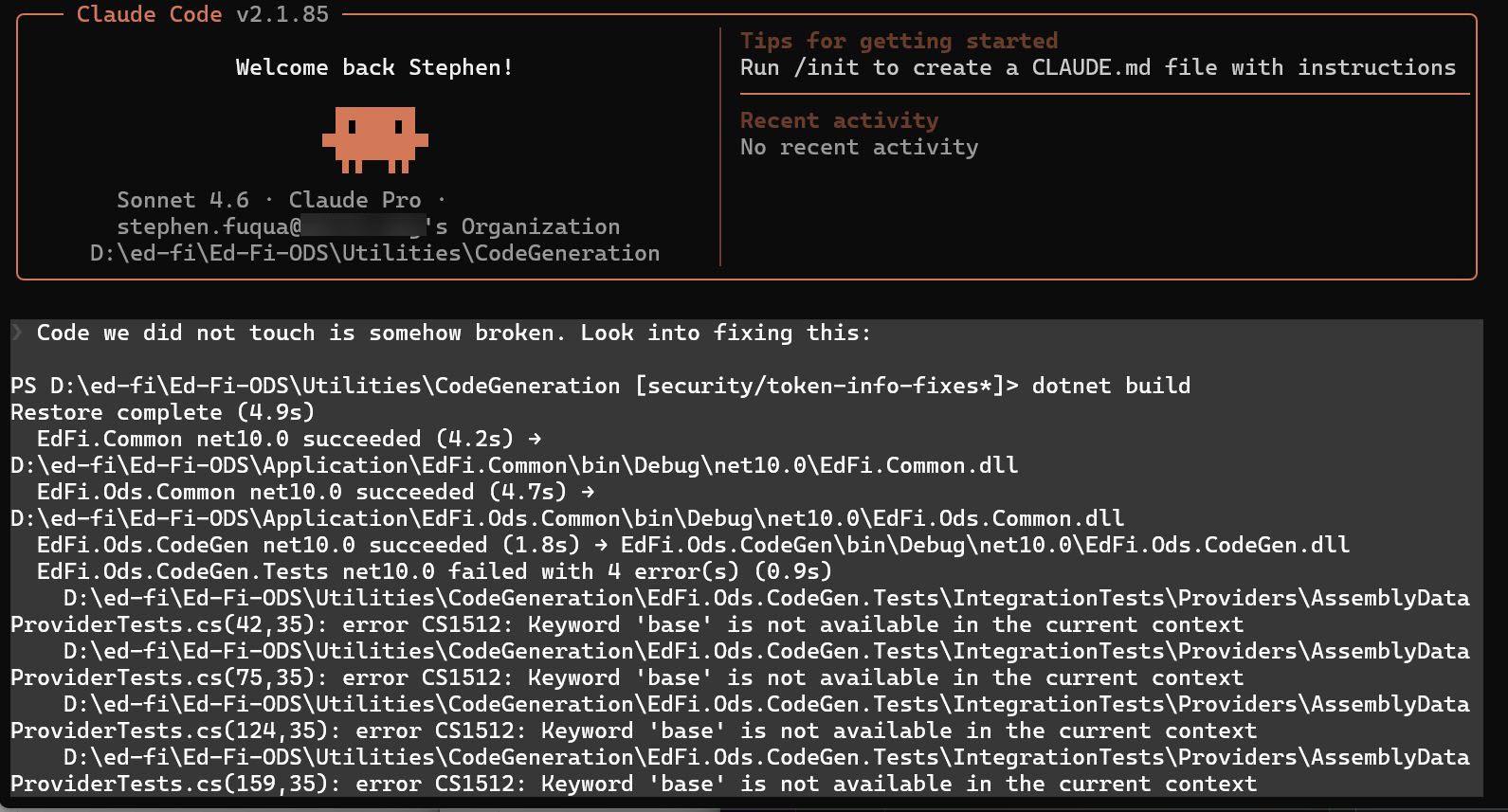
- VS Code chat panel puts my conversation in the bottom right corner in a tiny box (by default). You can change this - but I hadn't thought to change it. The terminal is front-and-center, wherever I want it.
- These CLI tools are powerful with amazingly rich interfaces.
- We should all be shifting from "software engineer assisted by AI" to "software engineering assisting AI". Call it "agentic engineering" or "AI orchestrator" or whatever. The CLI makes you focus on the conversation with the model, without the distraction of the file explorer or a big blank space where you would normally be typing into a file.
As with anything, there is a learning curve. You can always ask the tool directly for help. And make sure you read the tool's documentation in order to get the most out of it.
These words above went viral on LinkedIn, much to my surprise.
I had made a provocative statement about moving from "AI assisting the engineer" to "engineer assisting the AI". This is, of course, overly simplistic. The statement is intended to spur conversation. 🧔♂️🛟🤖
A case in point: Claude Code developed a simple analytics report for me with queries against a Cosmos DB collection. I have never personally learned SQL syntax for Cosmos DB. While testing, I found several mistakes in the scripts. After the tool corrected several of those mistakes, I asked Claude (Sonnet 4.6 model) to review the syntax again for any further errors: all good! it said.
Then I asked it "is VALUE a reserved word?" At which point it realized that yes, it had made a mistake, and it corrected it.
My deep history of writing SQL queries allowed me to guide the AI tool to fix its mistake. I still did not write any code by hand here - I let the CLI tool handle it - though I did use my editor to open and read the file in question. Engineer assisting the AI.